Don't break flow. Switch accounts.
Isolates credentials. Shares everything else.
You're mid-session and your AI hits a limit, or you need a different model for the next task. One command swaps credentials in place. Same project, same history, no ramp-up. You just keep working.
pipx install altergo
6.3k
pulls/mo
The moments that matter.
Rate-limited. Not stopped.
You hit the wall mid-thought. Another account is ready. altergo switches credentials and drops you back into the same session, no lost context, no starting over.
Thinker, then sprinter.
One account for deep architecture (extended reasoning, heavy models). Another for rapid execution (fast models, high throughput). Flip between them like gear ratios, same codebase, different operating mode.
Clients, credentials, firewalls.
Consultant working three engagements? OSS contributor with a personal account and a project account? Each gets isolated credentials. Shared history stays local. Nothing leaks sideways.
Never lose your flow.
Your AI tool already saves every conversation locally. altergo reads those files directly, no cloud sync, no re-upload, nothing leaves your machine. Switch accounts in seconds. Resume any session from any account.
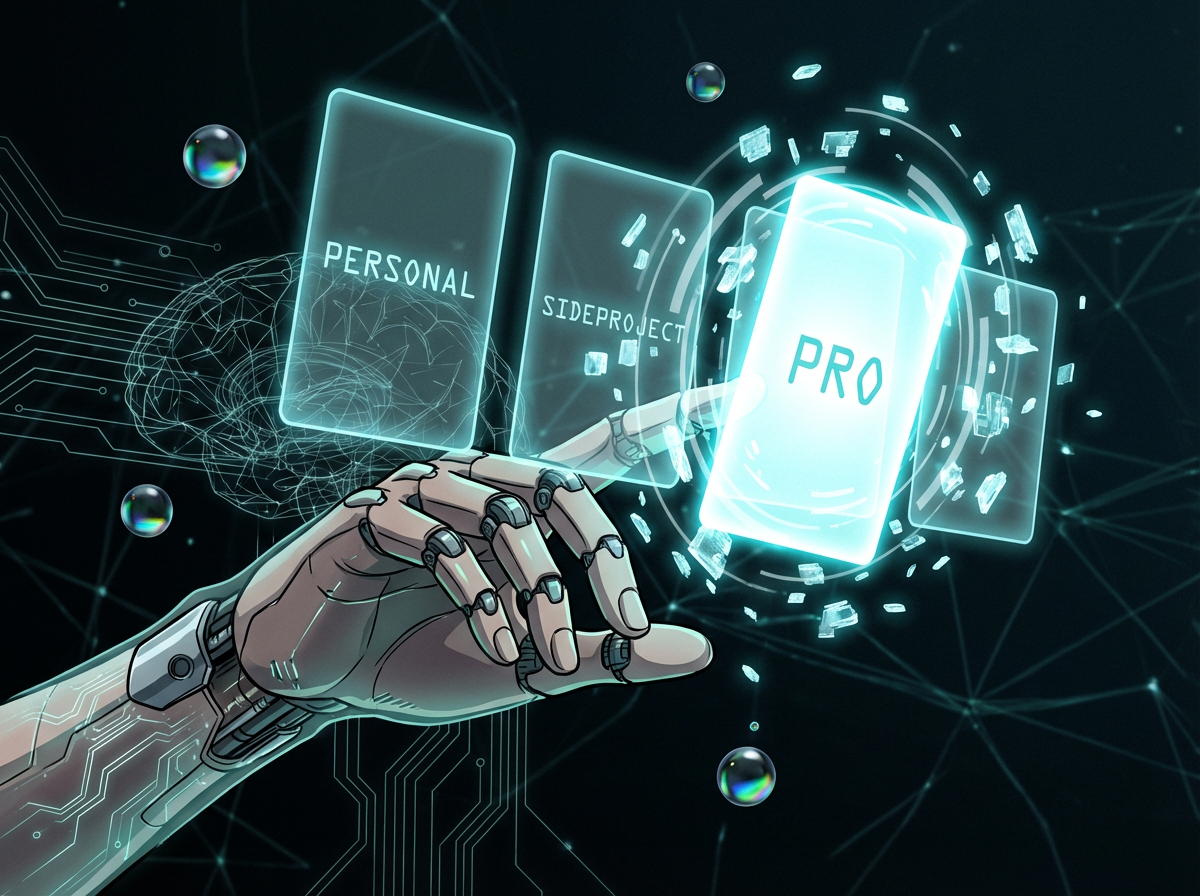
Many accounts, one brain
Your conversations already live on disk. altergo symlinks those local files so every account sees the same history. Switch accounts, not worlds. Your history follows you everywhere.
Zero config drama
Symlinks handle everything. No syncing, no copying, no config files to wrangle. A single config command and you are done, undo it just as easily.
Pick up where you left off
The interactive TUI picker shows each session's project name, last modified time, size, and a preview of the final message so you always resume with full context.
Three commands to go.
Your conversations are already on your machine. altergo just wires up the access, no daemon, no background process, no cloud sync.
pipx install altergo
One command and you are ready.
altergo --config work
Create a named account, one per AI account you use. Repeat for each one you have. Symlinks wired automatically.
altergo <account>
Type the name you gave the account. That's it. Run altergo --recall any time to open the interactive session picker across all accounts.
N accounts. No entourage.
Manages as many AI assistant accounts as you need across Claude Code, Gemini CLI, Codex, and GitHub Copilot. And refuses to be dramatic about it.
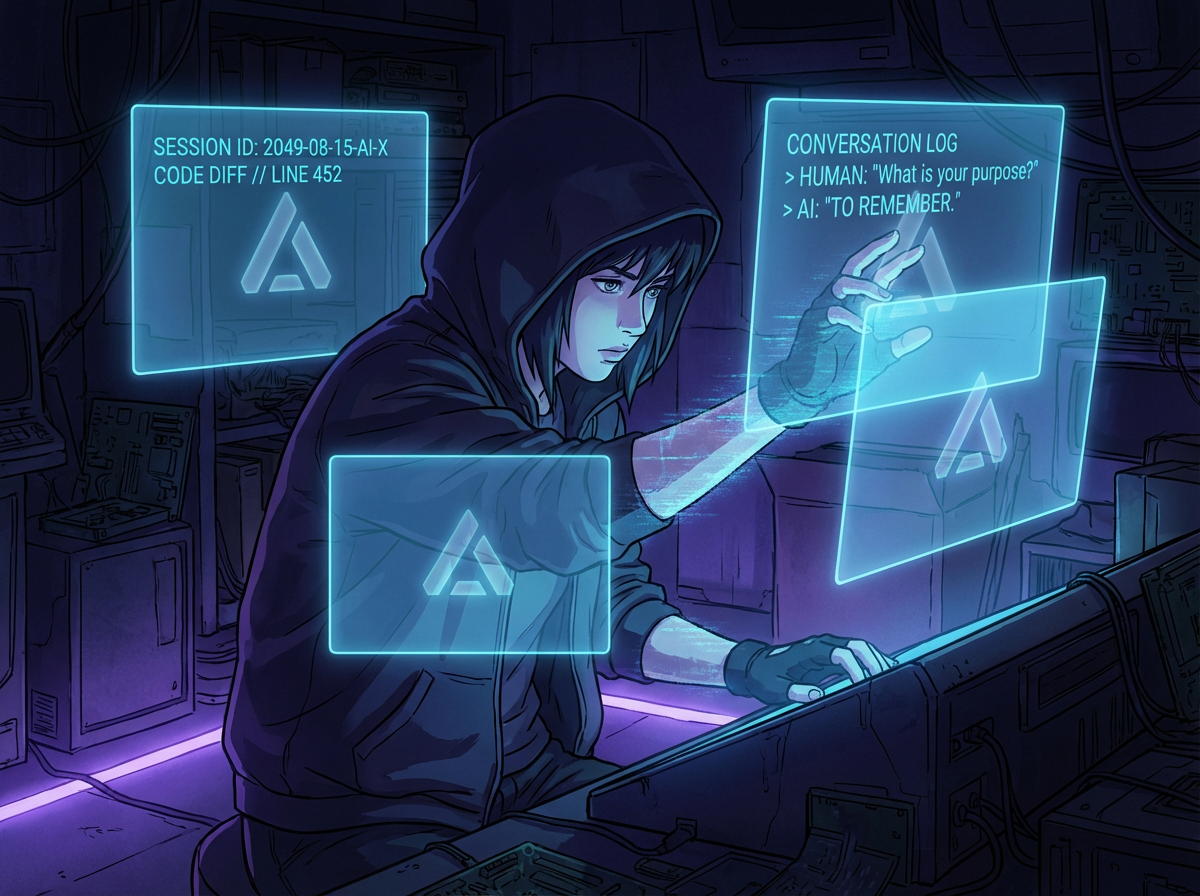
Total recall across all identities.
altergo --recall opens the interactive TUI picker: every session from every account and every provider. Arrow keys, vim bindings, full-text search, provider filter, bookmarks. Your entire AI history in one view.
Interactive TUI Picker
Full-screen curses interface with arrow keys, j/k vim bindings, and page up/down for large session lists.
Unlimited named accounts
personal, pro, sideproject. One per AI account you use, as many as you need. Each gets its own isolated provider credentials; everything else is shared.
One Command to Switch
Name an account once with --config, then launch it by that name. No flags, no config editing, just the name you chose.
Per-account keychain by default
Two modes: isolated per-account keychain (default, no Touch-ID prompts) or flat-file fallback. Details
Isolates credentials. Shares the rest.
Each account's provider credentials are isolated: Claude Code's .credentials.json, Gemini's oauth_creds.json, Codex's auth.json. AWS, GCP, Docker, kubectl, and GitHub CLI are shared across all accounts by default. Tune it with altergo --settings, a curses TUI, space to toggle, s to save.
Quiet upgrades
Schema and keychain-mode migrations happen in memory on first run after an upgrade. No prompts, no manual edits, no breaking changes — your existing accounts keep working as-is.
altergo keeps the session alive. Pick it up from anywhere.
Enable tmux sessions in altergo --settings, or use altergo portal for a one-shot launch. Either way, your session stays alive in a named tmux window. On your phone, use your agent's own remote control (/remote-control in Claude Code, copilot --remote in Copilot CLI) or SSH in and reattach. The AI never knew you left.
Survives disconnects
SSH from Terminus or any mobile client. A dropped connection does not kill the process.
Steer it from your phone
Claude Code and Copilot CLI have remote control built in. It runs inside the altergo session, so you keep the right account on the go.
Named so you can find them
Every session is named project/account/provider. tmux ls shows what's running and tmux attach -t drops you back in.
All providers
Claude, Gemini, Codex, Copilot; the persistence layer is provider-agnostic.
All of you, ready in seconds.
One command via pipx — isolated environment, always up to date.
pipx install altergo
# Name your accounts, run once per login you have
altergo --config hocus
altergo --config pocus
# Pick a default — bare `altergo` now launches it
altergo --use pocus
altergo

# Everything below runs against your default account.
# Prefix with an account name to override (e.g. `altergo hocus --yolo`).

# Skip all provider permission prompts
altergo --yolo

# Skip prompts and resume your last session
altergo --yolo-resume

# Browse & resume past sessions
altergo --recall

# Full-text search through conversation history
altergo --search
Every identity, documented.
How to launch, what stays isolated, and the questions worth asking before install.
Cheat sheet
| altergo <account> | Launch by account name |
| altergo --config <account> | Create or reconfigure an account |
| altergo --recall | TUI picker: browse, preview, resume across all accounts |
| altergo --search | Full-text search across conversation history |
| altergo portal <account> | Persistent tmux session, reconnect from anywhere |
| altergo --yolo-resume [<id>] | Skip permission prompts and resume last (or specific) session |
Credentials & Auth
Each account gets its own isolated credentials. altergo logs you in fresh per account. Run altergo <account> and authenticate when prompted. That's it.
Shared by default: AWS, gcloud, Azure, Docker, kubectl, Terraform, GitHub CLI, so your infra tools keep working across accounts without re-auth. Toggle anything via altergo --settings.
Need to auth a tool for one account? altergo <account> -- gh auth login runs any command inside that account's environment.
What gets symlinked
These paths inside each account's ~/.altergo/accounts/<account>/.claude/ are symlinked to your primary ~/.claude/. All accounts share them:
These stay separate per account:
Compatibility & Disclaimers
altergo depends on each provider's internal directory layout. Any provider may change their structure without notice. If altergo breaks after a tool update, please open an issue. altergo is work in progress; issues and rough edges are expected.
"Claude", "Gemini", "Codex", and "GitHub Copilot" are trademarks of their respective owners.